Rate your drinks.
Share them with friends.
Take a photo of your drink, give it a rating, and see what your friends are having.



How it works
- 1
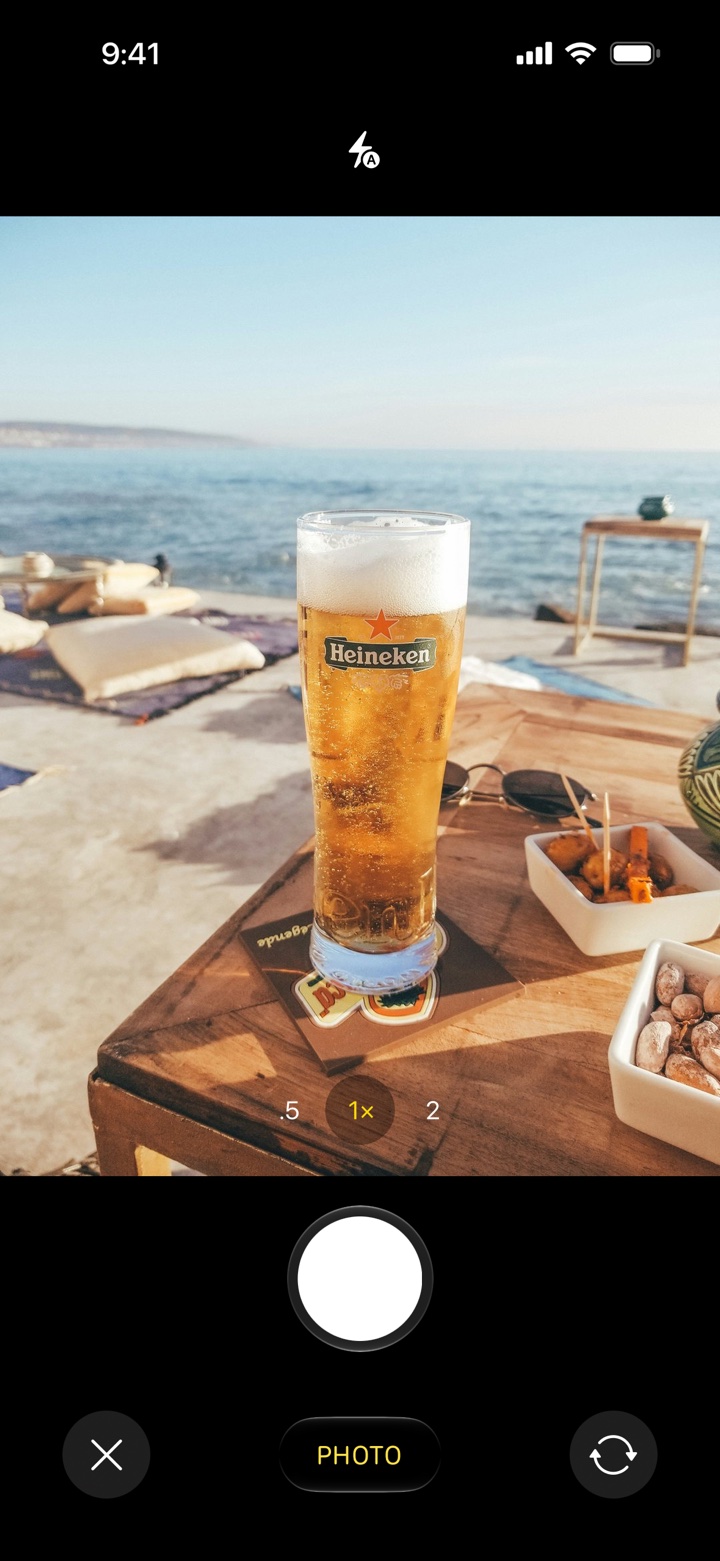
Take a photo
Point your phone at the bottle, can or glass.
- 2
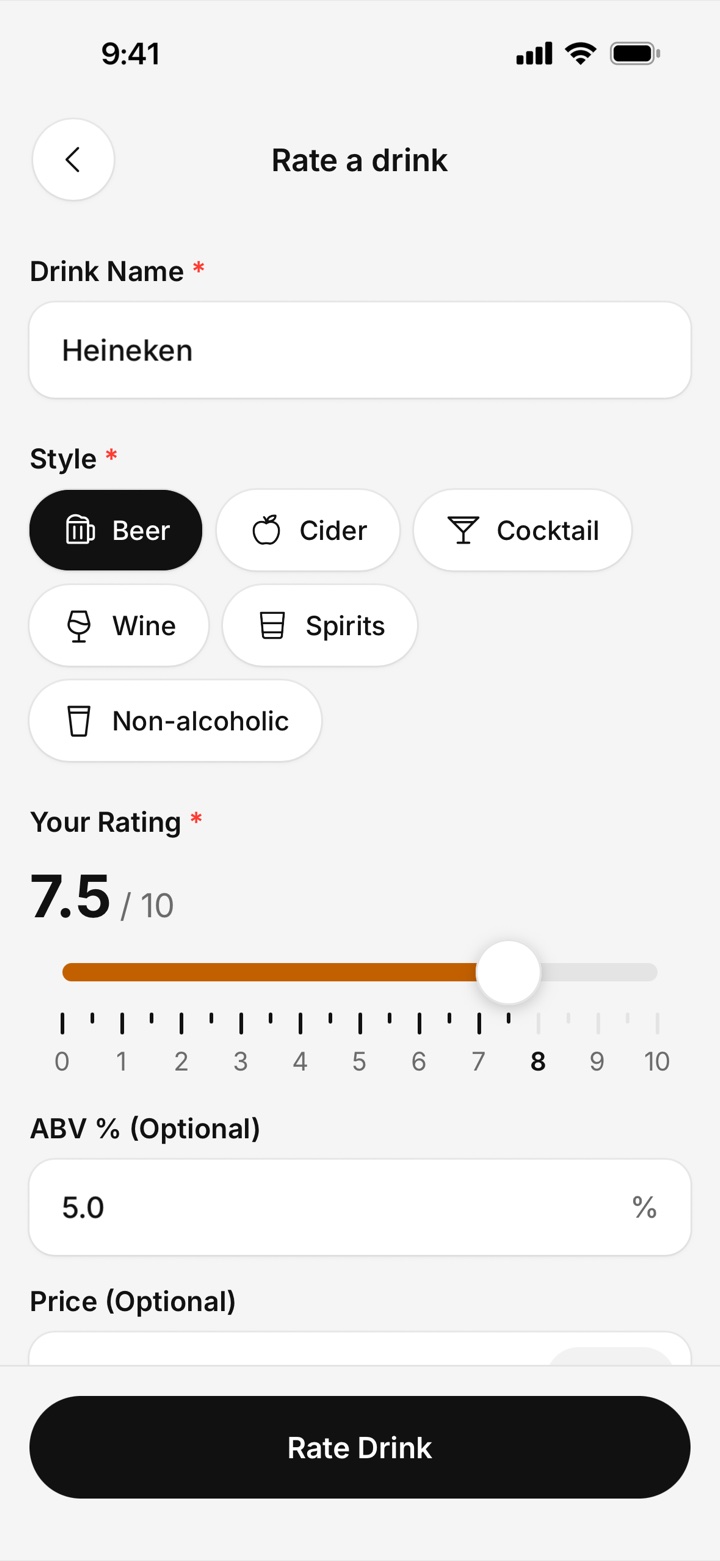
Rate it
Name it, give it a score out of 10, and add a caption or a place if you like.
- 3
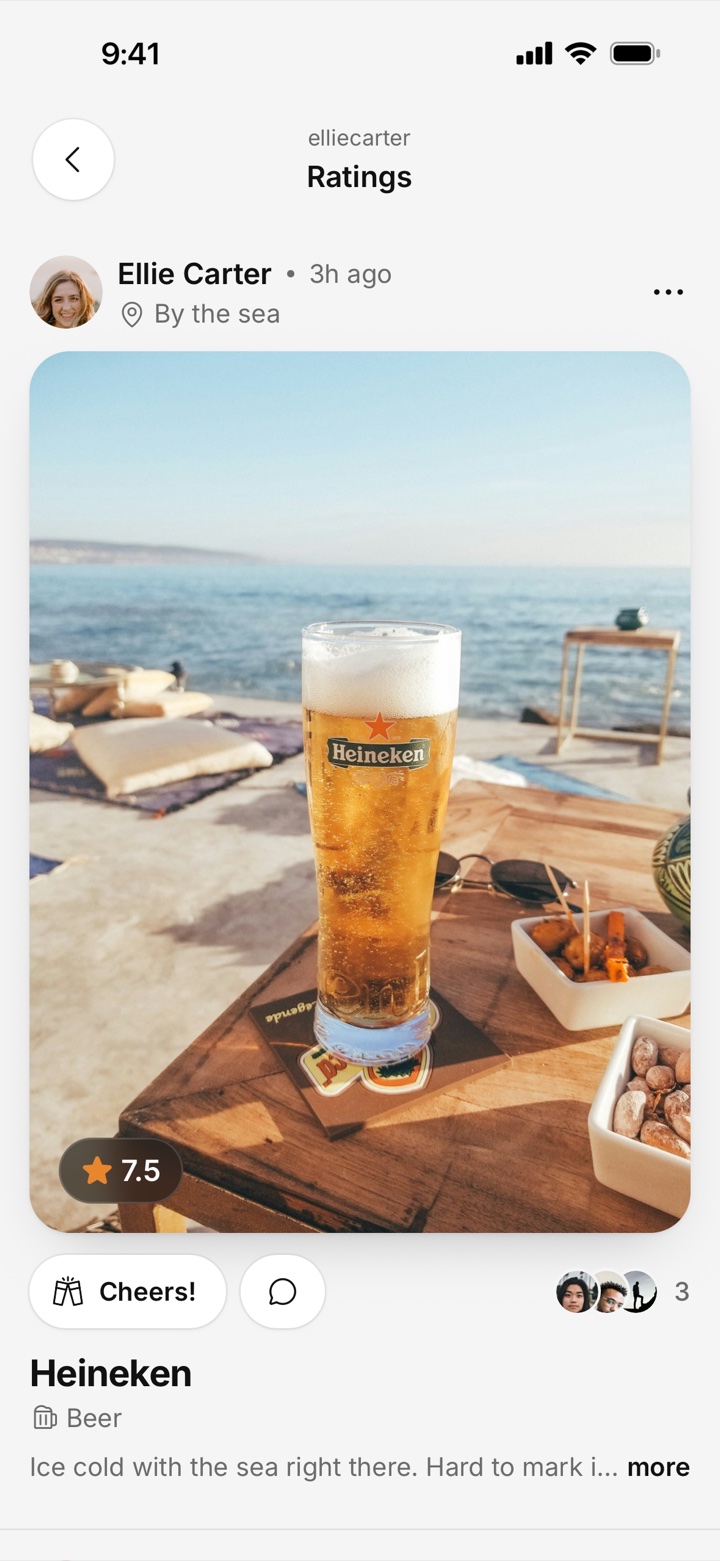
Post it
Your friends see it on their Home page.

Better with friends
See what your friends rate
Home shows the drinks your friends have rated, with their photo and score.
Cheers the good ones
Tap Cheers, or double-tap the photo, on a drink you like the look of.

Have your say
Leave a comment, reply to someone else’s, or give one a like.

Your top shelf
Your best, at a glance
Your profile keeps your top rated drinks at the top, with everything you’ve rated underneath.
Yours to control
Read the privacy policy- Only your friends can see the drinks you rate.
- No adverts, and your information is never sold.
- Cheers doesn’t work out how much you drink.
- Delete your account, and everything in it, from inside the app.
Questions
Soon, on iPhone. The link will be on this page when it is.
Not yet. Cheers is being made for iPhone first.
Only your friends. Other people on Cheers can find you by name or username, but can’t see your drinks.
18 or over.